OpenClaw without setup
OpenClaw,
without the setup
An AI employee that works on a cloud computer. Connect your tools, ask for outcomes, and skip the setup.

















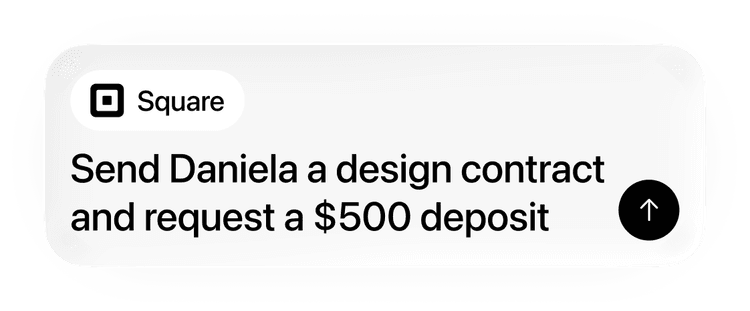
Works with the tools your business already runs on
LinkedInGmailGoogle Drive GitHub
Models Included
The best creative models, already wired up
Your in-house team for ads, content, and campaigns
 Claude
 OpenAI
 Gemini
It learns how you work
Repeatable tasks start from your pattern, not from scratch.
First time
Teach it once
Tell Adaptive how you want a recurring task handled, from lead follow-up to repo updates.
Saved pattern
Adaptive keeps the recipe
The useful steps become a reusable workflow instead of another prompt you have to rewrite.
Next time
Start from your process
Repeat tasks start closer to your standards, with the right context already in motion.
Recipes you can start with
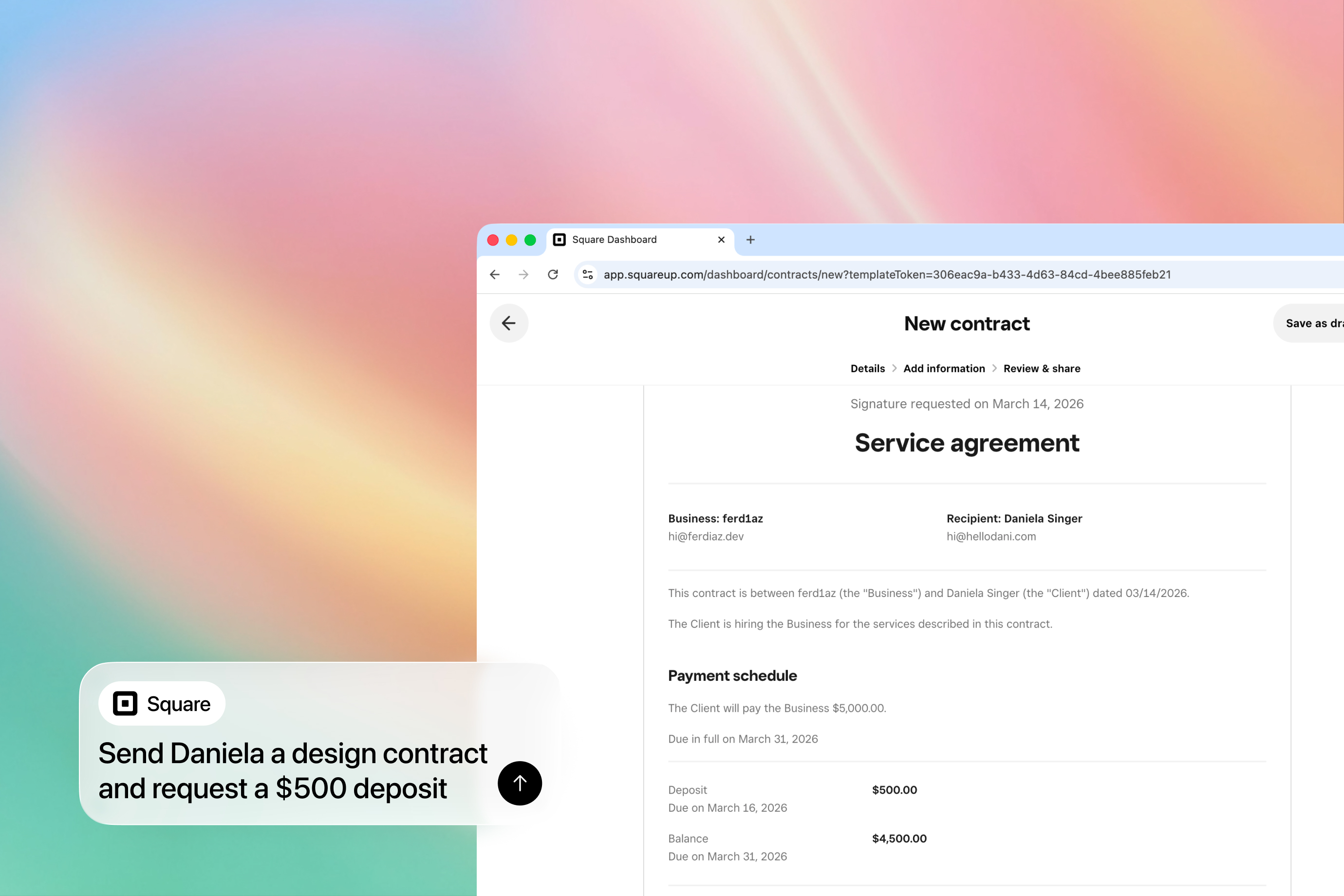
Lead Qualification and Management
Score incoming leads from email and web forms, route qualified prospects to your CRM, and update status as they respond.
Social Media Posting and Engagement
Schedule posts, monitor mentions, and auto-respond to common questions across Twitter and other platforms.

Brand Asset Generation
Logos, imagery, promo video, music, and voiceover — all produced by the same agent and iterated in plain English until they match your brand.
Build and Host a Website for Your Business
Describe what your business does and who it serves. Adaptive builds the site, hosts it, and lets you keep editing by asking — no CMS, no hosting setup, no plugins.
Invoice and Receipt Collection from Email
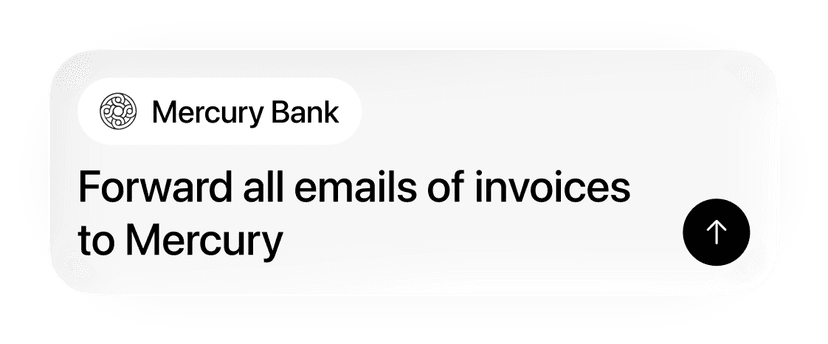
Scan Gmail for invoices and receipts, extract vendor names, amounts, and dates from PDFs, and organize by month.
GitHub Repo Copilot from Your Phone
Connect a GitHub repo and your agent can answer questions about the codebase, make changes, and push commits — even on the go.
Frequently asked questions
Start with one annoying workflow: follow up with leads, make a weekly report, prep client notes, create listing assets, or update a small website. Adaptive connects to what it needs and produces output.
No. Adaptive runs in the cloud. You connect the apps you already use and describe what you want done.
Most people start with Gmail or Drive because that is where customer messages, files, invoices, and project details already live. LinkedIn is useful for prospecting, and GitHub is useful if your business has a site, app, or internal tool.
You stay in control. Start by reviewing drafts, reports, assets, and changes before they go out. As a workflow proves itself, you can decide what should run on a schedule.
No. It works well for real estate agents, consultants, local services, creators, shop owners, and small teams that live across email, docs, spreadsheets, websites, and customer conversations.
Get started
Give your business an AI coworker that never sleeps.
Connect the tools you already use, start with one useful workflow, and let Adaptive run the agent from the cloud.